

How do I check whether a PID is associated with an developer account?
Last Updated on:2024-07-11 09:31:19
Currently, Tuya cannot check whether a PID is associated with an IoT account at the backend. If the PID is authorized to your account, you can view the information on your account.
1. If the PID is authorized to your account through organization space-based authorization, you need to switch the space to view authorized permissions.
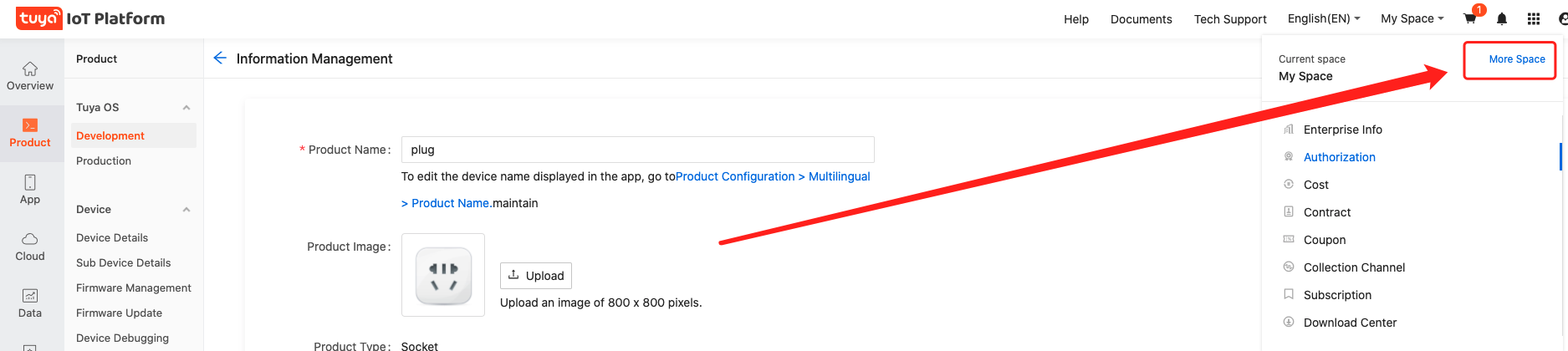
2. If the PID is authorized to your account through partner-based authorization, you need to view information related to this PID under Purchase > Manufacturing > Information > Customer Products.
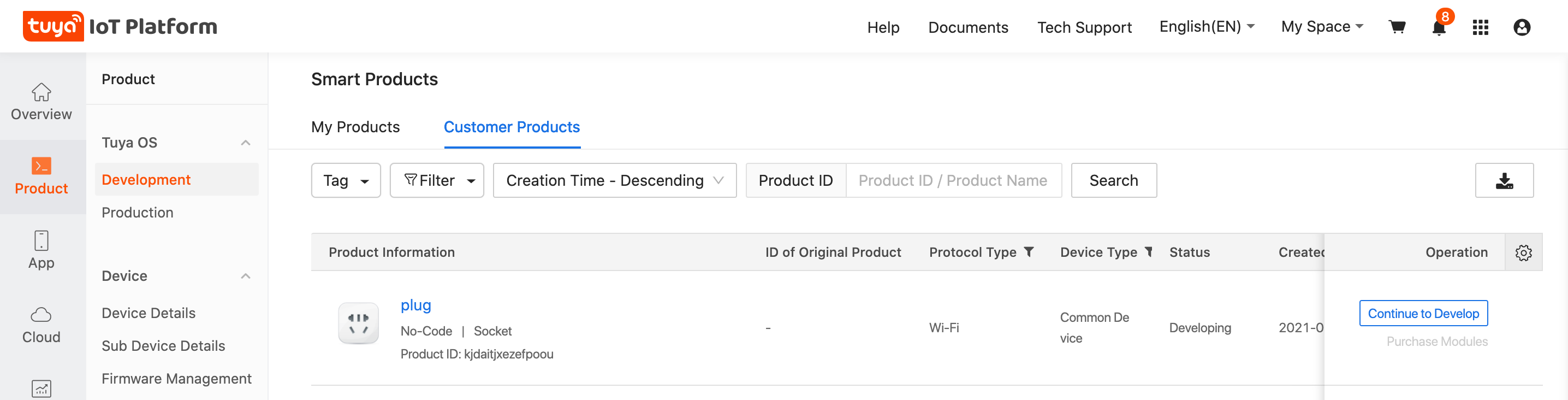
3. You can also view authorized permissions with the above two methods using the developer account to which the PID belongs.
Is this page helpful?
YesFeedbackMarketing Cooperation
Business Cooperation
Customer Service
Media Inquiry






Click for services and help
Help Center
Consult
(001)844-672-5646
Submit Question