[Property Manager] Personal Information Management
Last Updated on:2023-05-29 05:50:25
Modify Username and Password
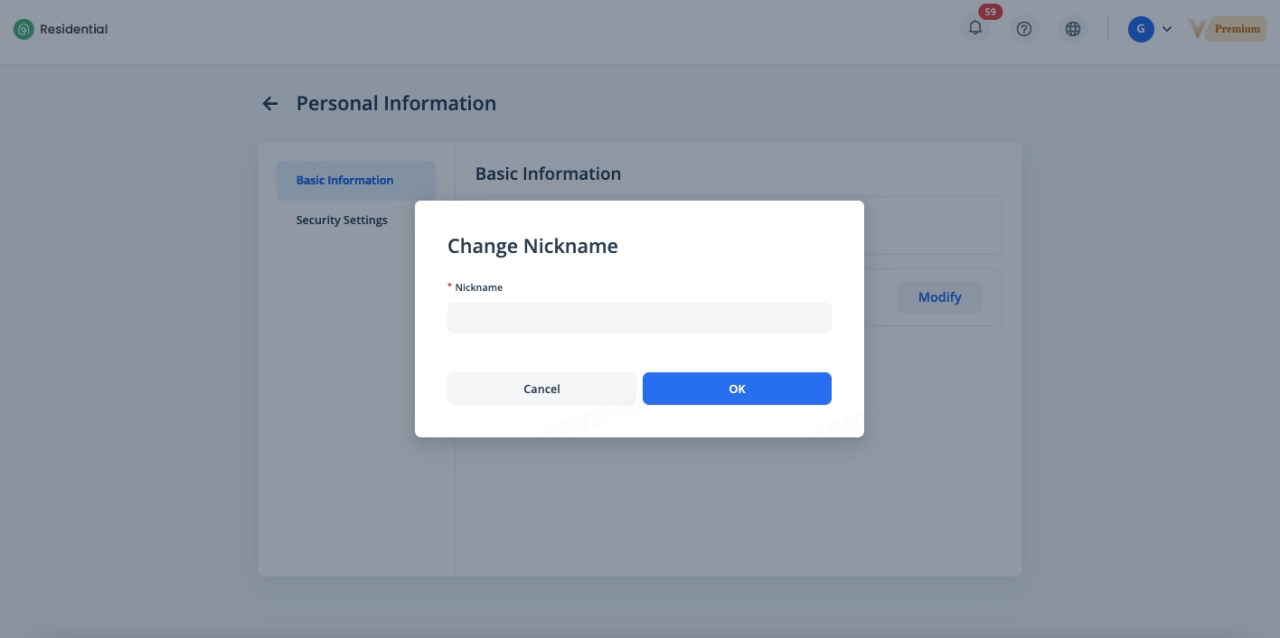
Click on the [Personal] menu in the upper right corner to enter Personal Information page. On the Basic Information page, you can modify the username of the account by clicking [Modify].
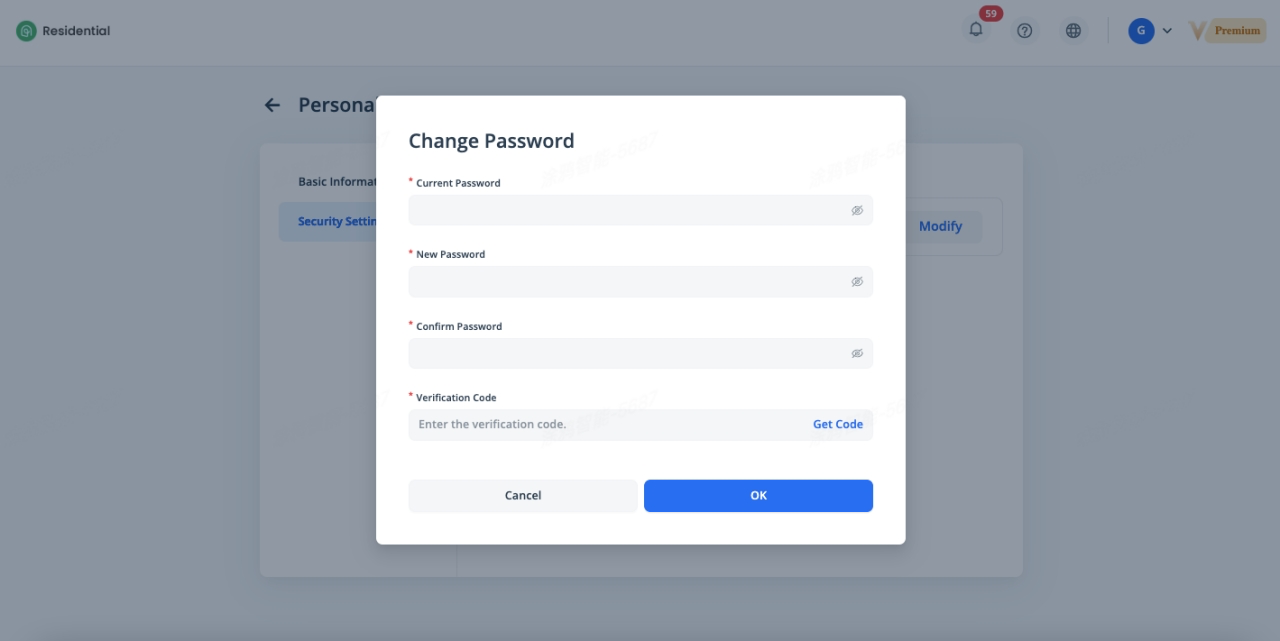
On the Security Settings page, you can change the password of the account by clicking [Modify]. More custom personal information settings will be available soon.
Related Topics